
Last Updated: June 23, 2026
Introduction
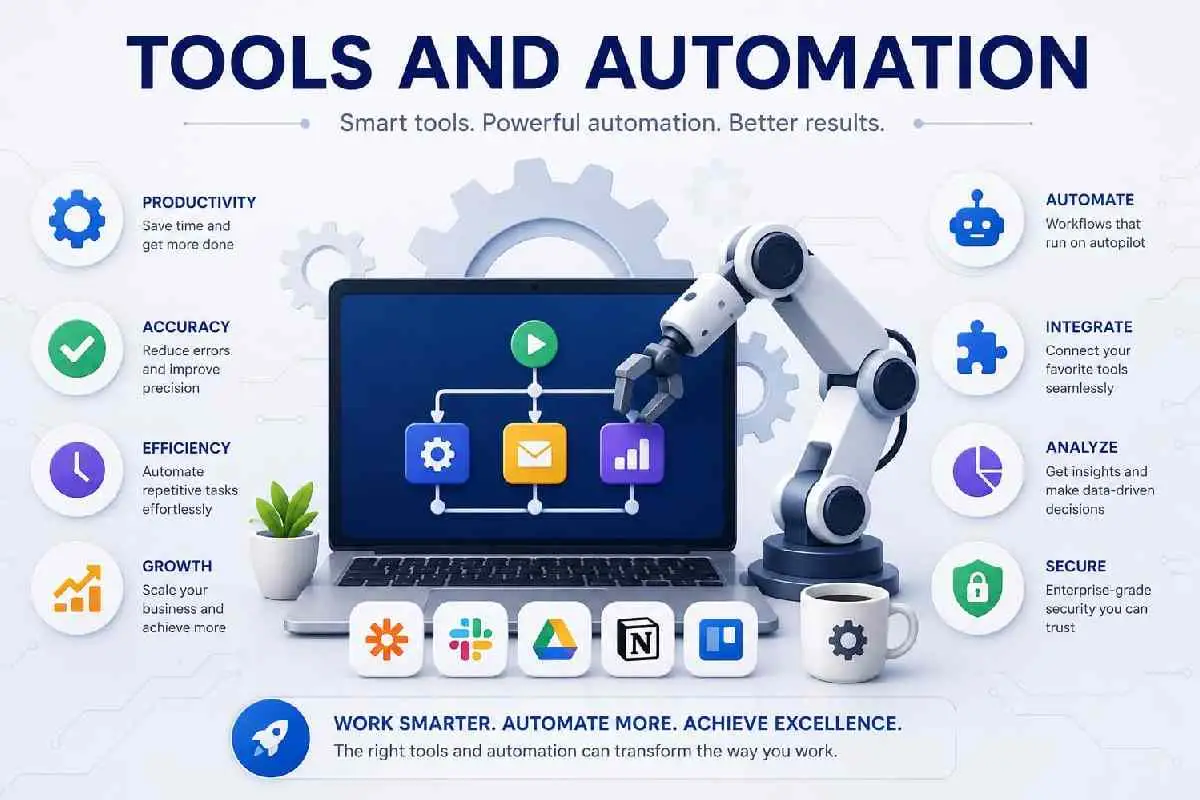
Tools and automation play a big role in modern social media marketing. They make repetitive tasks easier and boost workflow efficiency. By 2026, freelancers and marketers will depend a lot on these tools for tasks like creating, scheduling, and analyzing content. These tools not only save time but also keep the quality of content high across different platforms. As AI gets better, relying on automation isn’t just nice, it’s essential for success. This guide looks at the best tools and strategies for setting up an awesome automated system. The best tools support a strong social media strategy by providing audience insights, content planning features, and performance analytics.
The right software stack is essential for success as a freelance social media manager, helping you streamline content creation, scheduling, reporting, and client communication.
Local-focused campaigns often benefit from tools designed for local SEO for social media marketing and audience targeting.
🚀 This article is part of our
Freelance Social Media Manager Resources
Best Tools for Freelance Social Media Managers
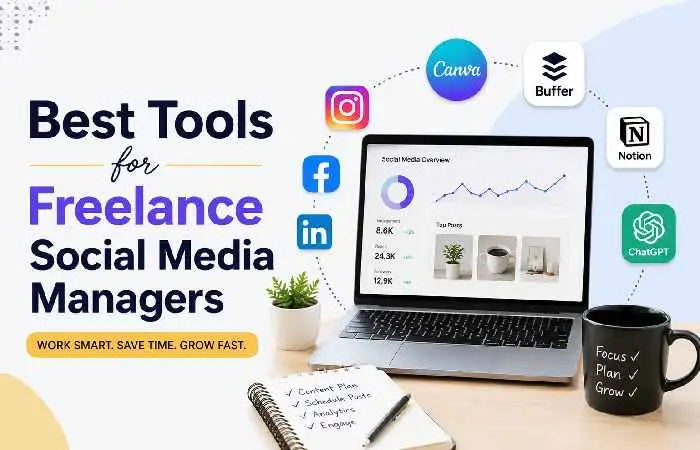
Freelance social media managers need super useful tools to do their jobs right. Programs like Canva, Buffer, and Notion help a bunch with creating posts, scheduling, and organizing client stuff. Plus, AI tech such as ChatGPT provides a big boost by rapidly moving up content and showcasing originality.
If you’re just getting started, this beginner guide to freelance social media management explains the essential skills and tools needed to build a successful career.
Many professionals use specialized platforms to enhance their SEO skills for social media managers and improve campaign performance.
1. Design & Content Creation Tools
Design and content creation tools, like Canva, let freelancers make posts, reels, and other marketing materials in no time. With tons of templates and design features – even some backed by AI – these programs cut down on hours of tedious work. They’re great for both newcomers and pros handling multiple gigs.
2. Scheduling & Automation Tools
Scheduling tools, such as Buffer, let freelancers line up posts quickly at different stages. It ends up boosting how engaged their audience is, too.
3. Productivity & Planning Tools
Then there’s productivity platforms like Notion. These aids ensure all stays organized, deadlines are met, and many social accounts are touched seamlessly.
4. AI Content Creation Tools
| Tool | Use Case | Key Benefit | Best For |
| ChatGPT | Captions, ideas, scripts | Fast human-like content generation | Freelancers & marketers |
| Jasper AI | Marketing copywriting | Brand tone control | Agencies |
| Copy.ai | Ad & social posts | Quick content generation | Beginners |
| Canva AI | Design + text creation | All-in-one content creation | Social media creators |
Social Media Scheduling Tools Compared
These scheduling apps keep the content stream going and make platform navigation easy. By 2026, expect them to get way smarter with awesome new AI features and better analytics. It means simpler planning for everyone involved. When selecting tools, the most important factors are how accessible they are, value, support on dissimilar platforms, and journalism abilities.
Many tools are designed to support core social media management services such as content scheduling, analytics reporting, community engagement, and campaign management.
| Tool | Platform Support | AI Features | Ease of Use | Best For |
| Buffer | Instagram, Facebook, LinkedIn, X | Basic AI captions | Very easy | Beginners & freelancers |
| Hootsuite | All major stages | Progressive analytics + AI visions | Moderate | Activities & teams |
| Later | Instagram, TikTok, Pinterest | Hashtag + visual planner | Easy | Content creators |
| Sprout Social | Multi-platform initiative tools | Deep journalism & AI insights | Progressive | Large businesses |
Canva Tips for Social Media Managers
Using Canva effectively can seriously boost how fast and well managers create social media content. To keep things looking professional across all client posts, use Brand Kits to stay consistent with colors and fonts. Saved templates are super helpful too, especially for keeping that cohesive feel everyone loves.
- There’s also Magic Resize – this feature allows you to transform one design for different platforms, like Instagram and LinkedIn posts, without starting anew. That’s pretty sweet!
- To make your life even easier, whip up some custom templates for frequent content needs, like promotion images or quote graphics.
- Lastly, Canva’s AI tools let you jazz up visuals fast.
- You don’t necessarily have to be a design sorcerer thanks to background removers and other quick fixes.
- These features ensure that all your content looks polished, whether you’re a designer or not.
AI Tools for Social Media Content Creation
AI is seriously changing how social media content comes to life. It’s not only quicker but smarter now. In four years, we’ll see everyone in the field leaning on AI to generate content routinely. Tasks like churning out captions, visuals, and calendar plans will become second nature, all while making workflows smoother, pushing creative limits, and cutting down the dull stuff.
| Tool | Use Case | Key Benefit |
| ChatGPT | Captions, ideas, scripts | Human-like content generation in seconds |
| Jasper AI | Marketing copywriting | Strong brand tone control |
| Copy.ai | Social media posts & ads | Fast content generation |
| Canva | Visual + text content creation | All-in-one design + AI support |
Best Analytics Tools for Social Media Growth
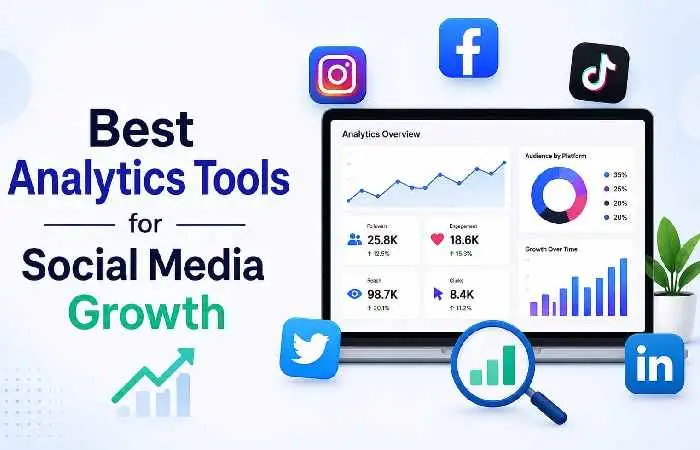
Analytics tools are huge. With them, marketers track performance, learn what their audience craves, and fine-tune their approaches. Detailed dashboards let pros measure engagement, spread, changes, and ROI on various phases. These insights help them polish movements and produce their social media presence.
The right software can help implement effective business growth strategies more efficiently.
1. Data-Driven Growth Tracking
Analytics tools are massive for tracking how stuff performs online. By 2026, marketers will rely on cool dashboards showing engagement, reach, and return on investment stats.
2. Simple Performance Monitoring
Another key thing is how easy it is to monitor performance. Buffers of this sort give basic but useful insights, perfect for novices just needing quick hits on what works, no fancy setups required.
3. Website & Conversion Tracking
Google Analytics is crucial, too. It tracks social media traffic and measures conversions. It helps in understanding how those efforts pay off for businesses.
Social Media Analytics Tools Comparison
| Tool | Key Metrics | Strength | Best For |
| Sprout Social | Engagement, ROI, audience insights | Advanced reporting | Agencies & enterprises |
| Buffer | Post performance, reach | Simple dashboard | Freelancers & beginners |
| Hootsuite | Multi-platform analytics | Unified reporting | Teams & brands |
| Google Analytics | Traffic, conversions | Website integration | Businesses & marketers |
CRM systems, outreach platforms, and proposal software can improve client acquisition for freelance social media managers by helping you organize leads and follow-ups.
Competitor Analysis (Top 5 SERP Patterns – 2026)
The top sites responsible well are Hootsuite, Buffer, Shoot Social, Later, and HubSpot Advertising Hub.
| Competitor | Strength | Weakness | Content Gap |
| Hootsuite Blog | Deep scheduling insights | Too enterprise-focused | Lacks freelancer workflows |
| Buffer Blog | Clean beginner content | Limited AI automation coverage | Weak analytics depth |
| Sprout Social | Strong data/analytics | Not beginner-friendly | No step-by-step setup |
| Later | Visual-first Instagram tools | Platform-specific | Missing cross-platform automation |
| HubSpot | Advanced automation systems | Complex for beginners | Overwhelming for freelancers |
Exploring current digital marketing topics can help identify new tools and opportunities for growth.
Conclusion
By 2026, automation and tools will be a big agreement for handling social media. They save time and bump up consistency and presentation. The right AI gear, scheduling sites, and design software speed up the process. Plus, many rivals aren’t using clustered SEO or great automation just yet. Tapping into these strategies can seriously rev up your productivity and outcomes. Really nailing down these tools is what it takes to stay relevant and strong online.
When selecting software, consider how it fits into your social media management pricing and packages so you can maintain profitability while delivering value.